
Operating instructions for installing, configuring, and using the g3 DataVU 5 data acquisition instrument.
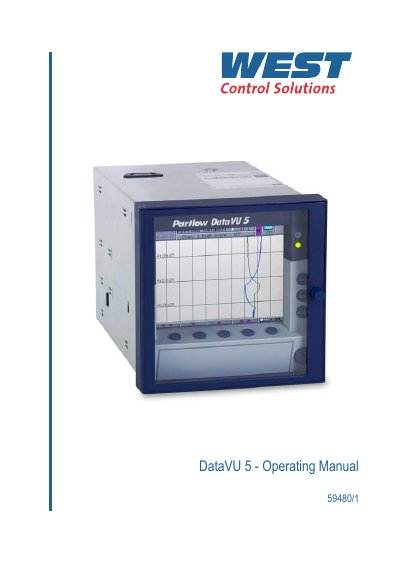
The g3 DataVU 5 operating manual guides users through the instrument's installation, electrical connection, and commissioning. It covers safety warnings, device description, displays, controls, analog and digital inputs, counters, and the built‑in web server.
Further sections describe operation and visualization modes, configuration parameters, the optional PC setup program, and troubleshooting. Technical data, including required fuse values and EMC compliance, are provided in the electrical connection chapter.
| External fuse rating (20‑53V AC/DC) | 5 A slow‑blow |
|---|---|
| External fuse rating (110‑240V AC) | 5 A slow‑blow |
| Installation standard | VDE 0100 (or local regulations) |
| Explosion‑hazard suitability | Not suitable for Ex areas |
The installation must conform to VDE 0100 regulations or the appropriate local regulations.
No, the instrument is not suitable for use in areas with an explosion hazard.