
Owner's manual for the FUSION Apollo MS-RA670 marine stereo, covering controls, audio zones, Bluetooth and USB playback, radio, and settings.
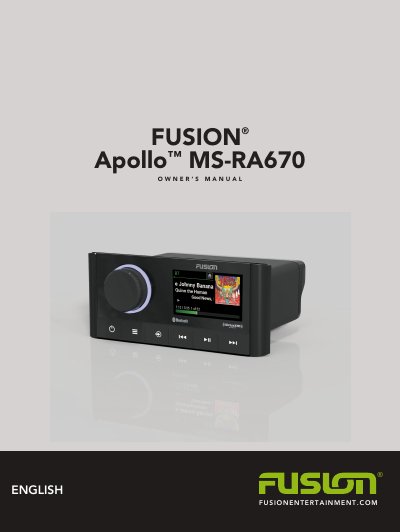
This owner's manual covers the FUSION Apollo MS-RA670 marine stereo from Garmin's FUSION entertainment line. It explains the stereo controls and screen, how to select a source, and how to adjust volume, tones, speaker-zone audio, and DSP settings.
The guide also describes media playback from auxiliary, optical, UPnP, Bluetooth, and USB sources, AM/FM, SiriusXM, and DAB radio with presets, and FUSION PartyBus networking. Additional sections cover general, speaker-zone, and network settings, control via a Garmin watch, ARX70 remote, FUSION-Link app, and NMEA 2000, plus troubleshooting, specifications, and dimension drawings.
Press the power button to mute and un-mute the audio.
Open the menu and select > SETTINGS > BRIGHTNESS.
Press and hold the power button to turn off the stereo.