
Quick start guide for installing and using the Furrion Aurora Bluetooth sound bar with subwoofer, including power, wall mounting, and TV and subwoofer…
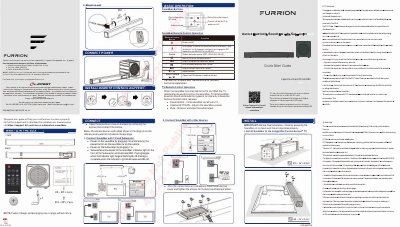
The Furrion Aurora Bluetooth Sound Bar with Subwoofer Quick Start Guide covers unpacking checks, wall mounting, power connection, and connecting the soundbar to a TV and subwoofer. It also explains basic soundbar and remote control operation, including Bluetooth source selection and volume adjustment.
Additional sections describe TV remote control operation over HDMI, FCC and IC compliance statements, and where to download the complete multi-language user manual. The guide notes that product design and packaging may change without notice.
| Bluetooth device name | Furrion SB 2.0 or Furrion SB 2.1 |
|---|
The subwoofer auto-pairs to the soundbar when both are powered on; its indicator flashes blue during pairing and turns solid blue when pairing is complete.
When the soundbar is connected to the TV via HDMI, the TV remote may be used to control the soundbar.