
Quick start guide for the FS NSG-8100 next-generation firewall, covering hardware layout, ports, installation, connections, and initial configuration.
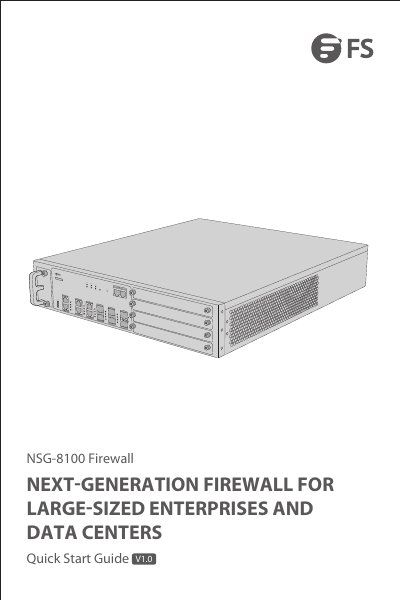
FS NSG-8100 is a next-generation firewall for large-sized enterprises and data centers. This quick start guide covers its hardware layout, front and rear panels, ports, LEDs, accessories, and mounting options.
It also describes power, grounding, RJ45, SFP, MGT, and expansion module connections, plus web-based and console configuration, troubleshooting, warranty, and online resources.
| Management IP address | 192.168.1.1/24 |
|---|---|
| Console baud rate | 9600 bits per second |
| Console data bits | 8 |
| Console stop bits | 1 |
| Gigabit Ethernet ports | 4 (e0/0-e0/3) |
| Bypass-capable ports | e0/2 and e0/3 |
| SFP ports | 4 (e0/4-e0/7) |
| SFP+ ports | 2 (xe08-xe09) |
| USB interface | USB 2.0 host |
| Maximum ambient temperature | 40°C |
| Warranty | 1, 2, or 3 years |
Both the default administrator name and password are admin.
Press the CLR button in the pinhole while the device is working; it restarts and restores factory defaults.
Use 9600 bits per second, 8 data bits, no parity, 1 stop bit, and no flow control.
Set the PC to the same subnet as 192.168.1.1/24, connect it to e0/0, browse to http://192.168.1.1, and log in with admin/admin.