
Spanish installation instructions for the Fronius Symo Advanced inverter, covering safety, electrical connections, mounting, and startup procedures.
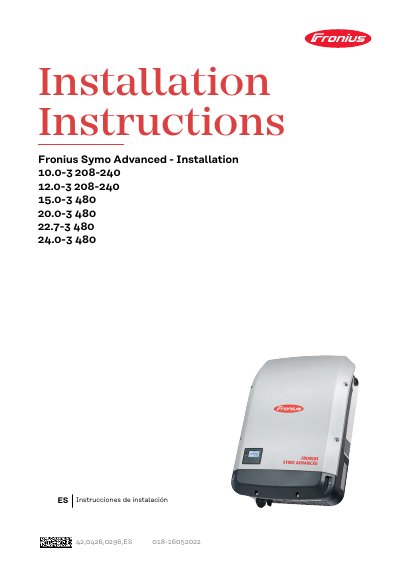
This document provides comprehensive installation instructions for the Fronius Symo Advanced photovoltaic (PV) inverters. It covers essential safety guidelines, including rapid shutdown (RSD) requirements and fault ride-through capabilities, as well as specific site selection criteria to ensure proper operation and prevent equipment damage.
The guide details step-by-step procedures for mechanical installation, such as mounting the inverter on a wall or metal support structure using appropriate fasteners. It also explains electrical connections for both the AC grid side and DC solar module strings, including cable preparation for aluminum conductors and data communication setup via Solar.Net. This manual is written in Spanish.
| Document Language | Spanish (ES) |
|---|
The device is designed exclusively to convert direct current from solar modules into alternating current for supply to the public grid.
An automatic rapid shutdown occurs if the connection to the AC supply is lost.