
Configuration manual for the FRER IEC61850 Gateway covering versions, commissioning, Gateway Tracker, web-server settings, and meter configuration.
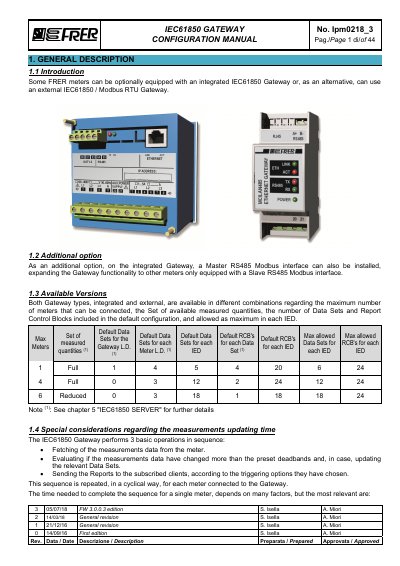
The manual describes FRER meters that can be equipped with an integrated IEC61850 Gateway or use an external IEC61850 / Modbus RTU Gateway. An optional Master RS485 Modbus interface can be installed on the integrated Gateway to connect meters that have a Slave RS485 Modbus interface.
It covers the available Gateway versions, measurement updating time considerations, basic commissioning, front display and push-button settings, the Gateway Tracker utility, and the Configuration Web-Server. Web-server settings are saved and become operative after a reboot, and some changes require a new IID file.
| Maximum meters | Single Meter, 4 Meters, or 6 Meters versions |
|---|---|
| Device logic address range | 1 to 247 |
| Serial communication parameters | Baud rate 19200, parity Even, 1 stop bit |
| Factory IP address | 192.168.1.10 |
| Factory subnet mask | 255.255.255.0 |
| Factory default gateway | 192.168.1.1 |
| Steady-state sequence time per meter | Approximately 450 ms |
| Additional sequence time per subscribed RCB | About 100 ms |
The Gateway's factory IP address is 192.168.1.10.
Use 19200 baud, Even parity, and 1 stop bit.
Type the Gateway's IP address in the address bar of a web browser.
It takes around 450 ms per meter.