
User manual for the Fourstar ULink300 industrial USB device network server, covering setup, usage in LAN/Internet, and specifications.
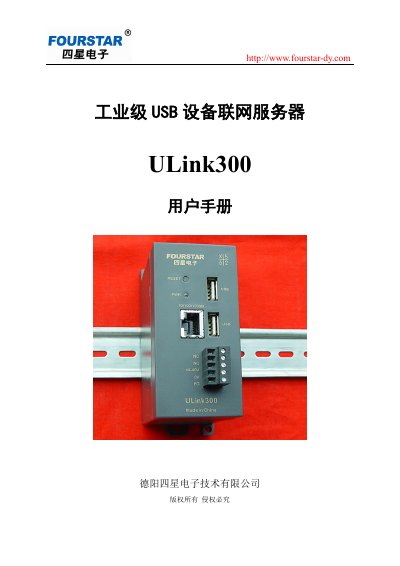
This manual provides instructions for the Fourstar ULink300, an industrial-grade USB device network server designed to connect USB devices to Ethernet networks. It enables remote access and control of USB peripherals, such as PLCs, via local area networks or the Internet using VPN routers. The device supports various USB speeds and operating systems, facilitating simplified network management for industrial control applications. This manual is written in Chinese.
| Power Supply | 9-40VDC |
|---|---|
| Power Consumption | 3W (10W max) |
| USB Ports | 2 x USB-A (expandable to 12) |
| Network Speed | 10/100/1000M |
| Operating Temperature | -20 ~ +75°C |
| Dimensions | 85mm x 49mm x 100mm |
| Weight | 150g |
The default username is admin and the password is admin.
The default IP address is 192.168.1.100.
Disconnect power, hold the reset button, then reconnect power until the link light flashes.