
User manual for the Forza Zion Voltage Protector, covering installation, operation, LED indicators, and technical specifications for surge protection.
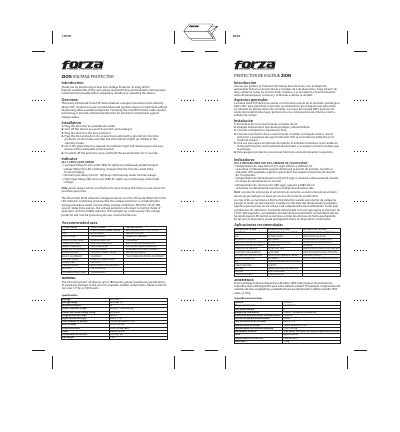
This manual provides instructions for the Forza Zion Voltage Protector, a device designed to protect electronic components against voltage spikes using MOV technology. It details the installation process, including connecting the unit to a grounded outlet and managing the startup delay timer.
| Voltage | 220/240V |
|---|---|
| Voltage range | 180-268V AC |
| Maximum current | 7A |
| Input frequency range | 50/60Hz |
| Power line surge energy rating | 900 joules |
| Surge protection Imax | 18000A |
| Input connection type | NEMA 5-15P |
| Total number of outlets | 1 universal NEMA 5-15R |
| Built-in delay | 15/30/180 sec |
| Dimensions | 3.9x1.8x1.8in |
Press and hold the power button for 3 seconds.
It means the Zion has started the delay timer.
The Zion protects all devices up to 1800 watts.