
User guide for FLAVIA Creation 400TM Drinks Station covering installation, setup, usage, maintenance, and troubleshooting.
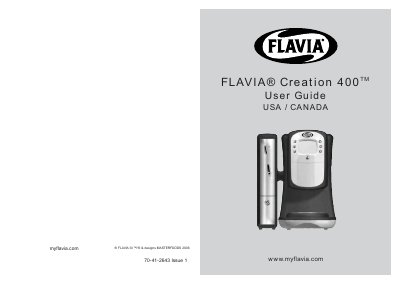
This user guide provides instructions for installing, setting up, and operating the FLAVIA® Creation 400TM Drinks Station. It includes safety precautions, setup steps, daily and weekly maintenance, and troubleshooting for common issues. The guide also covers electrical and water connection requirements, including voltage and pressure specifications, and safety warnings for proper use and maintenance.
| Dimensions | Height - 432 mm, Width - 252 mm, Depth - 517 mm |
|---|---|
| Water Pressure | 1 bar (14.5 psi) to 7 bar (100 psi) |
The water pressure must be between 1 bar (14.5 psi) and 7 bar (100 psi).
Enter the Operator menu, select 'Hot tank control', press 'Prime', wait for 'tanks primed' message, then press 'Exit menus'.
Reinsert the plug into the socket and turn the machine on. If the issue persists, contact customer service.