
Fender Tone Master Pro firmware and Pro Control app update instructions, version info, and system requirements.
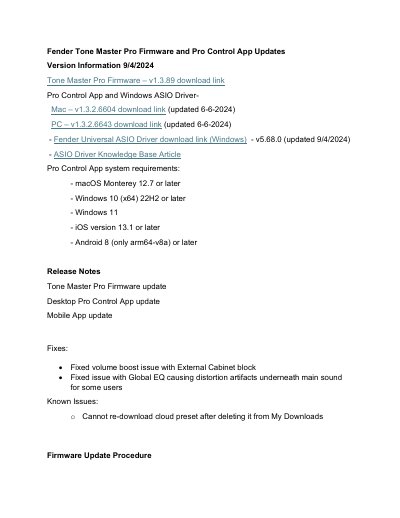
This document provides firmware and Pro Control app update instructions for the Fender Tone Master Pro. It includes version numbers, download links, system requirements, and step-by-step update procedures. Updates address bugs, add new features like SIC filters and SD card backup, and improve compatibility with various operating systems and devices.
The update process requires connecting the device via USB-C, holding the firmware button, and dragging the .img file onto the FENDER_AMP drive. A factory reset is recommended after first-time updates to restore default settings and load factory presets. This manual is written in Chinese.
The latest firmware version is v1.3.89.
Requires macOS Monterey 12.7 or later, Windows 10 (x64) 22H2 or later, Windows 11, iOS 13.1 or later, or Android 8 (arm64-v8a) or later.
Yes, if this is your first firmware update, we strongly recommend performing a factory reset to erase all presets and load factory presets into the MY PRESETS folder.