
User manual for the Fargo Telecom GSM GPRS Modem 900/1800 covering safety, installation, operation, specifications and troubleshooting.
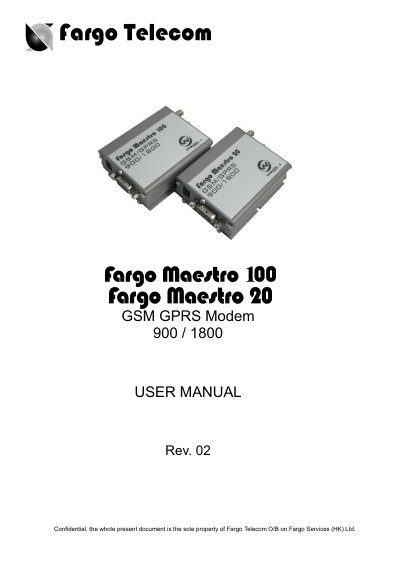
This manual provides safety precautions, installation steps, and operating instructions for the Fargo Telecom GSM GPRS Modem 900/1800. It explains how to mount the unit, connect the SIM card, external antenna, and power supply, and how to interface the modem with external devices.
The document also lists the technical specifications, factory AT‑command settings, optional accessories, and a troubleshooting guide to help resolve common issues such as LED status, SIM problems, and communication errors.
| Frequency bands | GSM 900 / 1800 MHz |
|---|---|
| Maximum power output | 2 W (900 MHz), 1 W (1800 MHz) |
| Supported services | Data, SMS, Voice, Fax |
| Power supply voltage | 5 V – 32 V |
| Rated current (Fargo Maestro 100) | 650 mA |
| Dimensions | 88 mm × 60 mm × 26 mm |
| Weight | 100 g |
An external antenna designed for GSM 900/1800 MHz with a 50 Ω impedance and an SMA connector must be used.
The modem operates with an input voltage between 5 V and 32 V.
Connect the modem to the vehicle’s fuse‑protected terminal using the 4‑pin power connector, ensuring the vehicle’s power is within the 5 V–32 V range.
Factory default is 9600 bps for Maestro 20 and 115200 bps for Maestro 100, 8 data bits, no parity, 1 stop bit.