
Quick start guide for the Faderfox MX12 controller, covering connection, setup selection, and use with MIDI gear and Ableton Live.
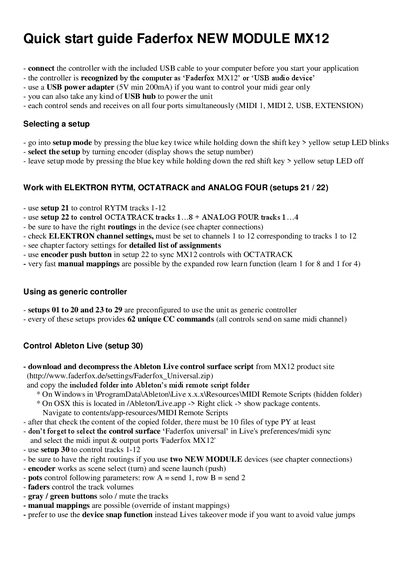
The guide explains how to connect the Faderfox MX12 controller to a computer using the supplied USB cable, how the device is recognized, and the power requirements. It also details the four simultaneous MIDI ports and the method for powering the unit with a USB adapter or hub.
It then walks through selecting and customizing setups for specific gear such as Elektron devices, generic MIDI control, and Ableton Live, including downloading the control surface script and configuring the appropriate setup numbers.
| USB power requirement | 5 V min 200 mA |
|---|---|
| MIDI ports | MIDI 1, MIDI 2, USB, EXTENSION |
Connect the controller with the included USB cable; the computer will recognize it as “Faderfox MX12” or as a USB audio device.
Download the Ableton Live control surface script from the Faderfox website, copy the folder into Ableton’s MIDI Remote Scripts folder, select the “Faderfox universal” control surface, and use setup 30 to control tracks 1‑12.
Setups 01‑20 and 23‑29 are pre‑configured to use the MX12 as a generic controller, each providing 62 unique CC commands.