
User manual for Eurotronic Comet Z-Wave radiator thermostat, covering installation, setup, operation, and Z-Wave network integration.
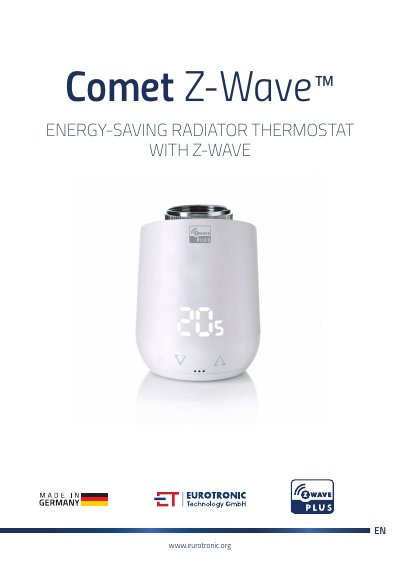
This is the user manual for the Eurotronic Comet Z-Wave energy-saving radiator thermostat. It provides step-by-step instructions for installing the device, setting up its Z-Wave network, mounting it on a radiator, and configuring its operating modes. The manual also covers how to use the control buttons, interpret LED indicators, and handle common errors or maintenance tasks. It is designed for users who want to integrate this thermostat into a Z-Wave home automation system. This manual is written in Chinese.
| Z-Wave Function | FLiRS (Frequently Listening Receiver Slave) |
|---|---|
| Operating Modes | Off, Heat, Energy, Manufacturer Specific |
The LED lights show status such as pairing mode, adaptation progress, battery level, and error messages like 'No valve detected' or 'Closing point not detected'.
The device sends a notification when the battery charge remaining is 25%.
In Off mode, the device tracks 6°C as a frost protection measure.
You must press and hold both keys together for 3 seconds to start adaptation.