
The Etung ER-600R User Manual provides product overview, installation, configuration, and specifications for the industrial wireless router.
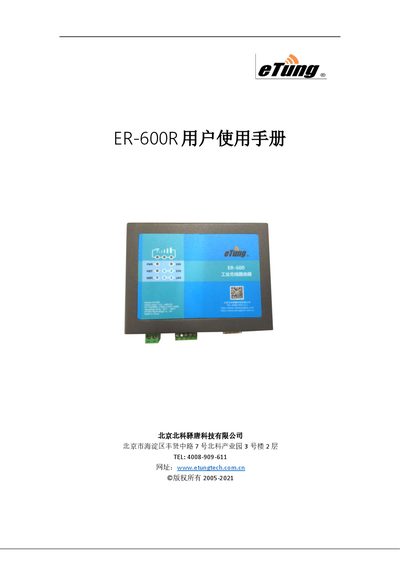
The ER-600R is an industrial‑grade wireless router that integrates a 4G communication module, wired Ethernet, and Wi‑Fi. It supports automatic network switching among wired, Wi‑Fi, and 4G, and includes NTRIP client/server functions for high‑precision positioning.
The manual details configuration steps, firmware updates, remote access via NetPort, and troubleshooting. It also explains how to add terminals, set remote‑access IPs, and use the router’s RS‑232/RS‑485 serial ports for data transmission. This manual is written in Chinese.
| Power Supply | +12 ~ +48 V wide voltage input |
|---|---|
| Data Interfaces | 1 RS232 DB9, 1 RS485, 2 RJ45 (LAN1 WAN) |
| Operating Temperature | -30 °C ~ +80 °C |
| Dimensions | 88 × 118 × 34 mm (excluding antenna, terminals, backplane) |
The ER‑600R automatically switches to Wi‑Fi or 4G network when the wired connection is lost.
It supports both NTRIP Client and NTRIP Server protocols.
Enter the ER‑600R’s IMEI number in the NetPort software to add the terminal.