
User manual for ETA Series Electronic Tensioners, including models ETA-1000 and ETA-500, covering installation, parameter settings, and maintenance.
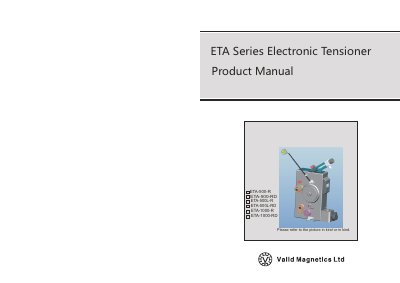
The ETA Series Electronic Tensioners provide stable tension control for high-speed wiring using excitation current with an accuracy of +/-2% in Auto mode. The system supports closed-loop tension control, rapid output tension alteration via signal input switching, and remote monitoring through an RS485 communication port.
This manual provides detailed instructions for the installation, commissioning, and maintenance of various models, including the ETA-1000 and ETA-500 series, focusing on proper wiring, parameter configuration, and troubleshooting common failures.
| Tension Control Accuracy | +/-2% in Auto mode |
|---|---|
| Input Power Supply | 24VDC+/- 10% (1A) |
| Input Signal | 24VDC |
| Communication Port | RS485 |
Switch on the tensioner without wiring and long press the 'X' button for over 5 seconds.
Change the wool felt if it is contaminated by oil or impurities, or clean the pulley using cotton thread and absolute alcohol.
The tensioner operates in open-loop mode if no external signal is connected, and closed-loop mode when an external signal is input.