
User manual for the Esprit Tech Voltario T60 dual battery backer, covering installation, backup switching, charging, touch switch, and telemetry.
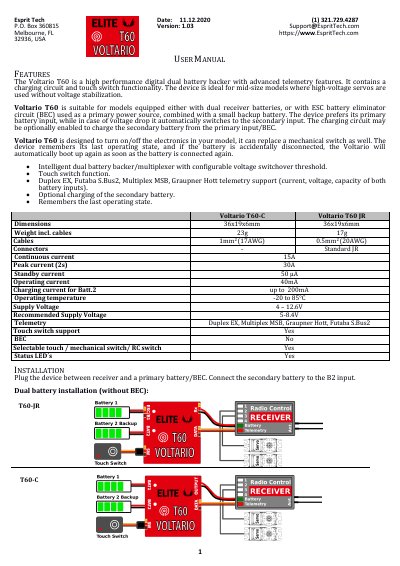
The Voltario T60 is a digital dual battery backer with telemetry, a charging circuit, and touch switch functionality. It is intended for models using dual receiver batteries or an ESC battery eliminator circuit (BEC) with a small backup battery. The device prefers its primary B1 input and switches to B2 when the voltage drops below the configured threshold, then returns to B1 when the voltage recovers.
The manual covers the Voltario T60-C and T60-JR variants, including installation, optional charging of the secondary battery, touch switch setup, JETIBOX/SMART-BOX settings, telemetry, safety information, and firmware updates. Specifications include dimensions, weight, current ratings, supply voltage, operating temperature, and telemetry protocols.
| Dimensions | 36 x 19 x 6 mm |
|---|---|
| Weight incl. cables | 23 g (T60-C); 17 g (T60-JR) |
| Continuous current | 15 A |
| Peak current (2 s) | 30 A |
| Standby current | 50 µA |
| Operating current | 40 mA |
| Charging current for Batt.2 | up to 200 mA |
| Operating temperature | -20 to 85 °C |
| Supply voltage | 4 – 12.6 V |
| Recommended supply voltage | 5-8.4 V |
| Telemetry | Duplex EX, Multiplex MSB, Graupner Hott, Futaba S.Bus2 |
It is a digital dual battery backer with advanced telemetry features, a charging circuit, and touch switch functionality.
It uses the primary B1 input as main power and switches to B2 if B1 falls below the configured voltage threshold; it returns to B1 when B1 exceeds the threshold plus hysteresis.
Firmware updates are transferred from a PC via the USB interface using MAV Manager and the appropriate *.BIN file.
It has a 24-month warranty from the day of purchase, provided it was operated according to the instructions at recommended voltages and was not mechanically damaged.