
This manual provides operating instructions for the Esko CDI Crystal Touch 20.1 software, covering setup, job management, focus search, and machine status.
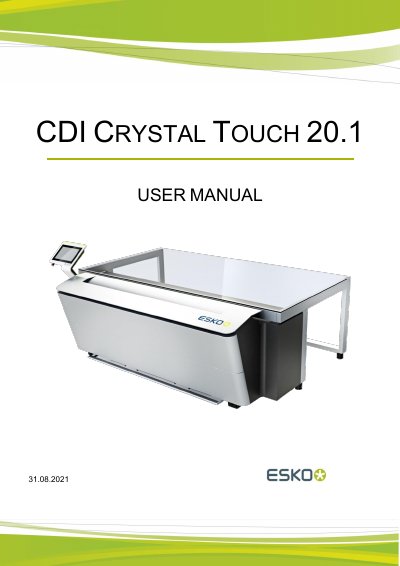
The CDI Crystal Touch 20.1 is a user interface designed for touch-sensitive screens, intended for use with Esko exposure systems. It allows users to manage exposure jobs, control the plate feeder, and adjust machine settings such as laser position and pixel boost parameters. The software integrates with PlatePrep, Digital Flexo Suite, and Device Manager for job enqueuing.
It is a user interface for touch-sensitive screens designed for a touch-sensitive screen.
Switch to automatic mode with "AUTO ON", then start the first job in the "TO DO" list.
Select "Preferences" and choose the unit under "Units".
Select "Preferences" and set the park position of the laser head.