
The Epicure Bamboo Digital Scale user manual covers battery installation, LCD functions, unit and mode conversion, tare operation, care, and error indications.
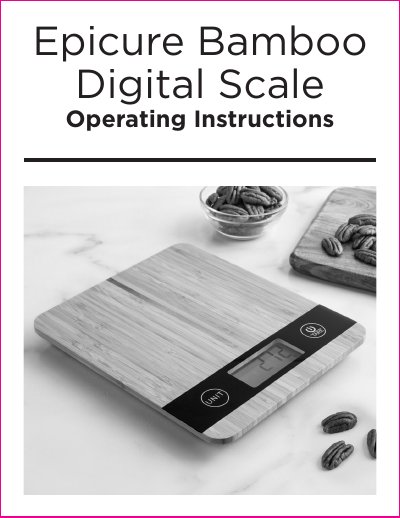
The Epicure Bamboo Digital Scale uses four precision strain gauge sensors and offers touch on, auto off, and touch off operation. It weighs items in grams or pounds and ounces, and measures water or milk volume in milliliters or fluid ounces.
The manual explains battery installation, button functions, unit and mode conversion, tare weighing, and how to read LCD error symbols. It also includes care and maintenance advice plus battery safety guidance.
| Product size | 187 x 217 x 6 mm |
|---|---|
| Power | 3x 1.5V AAA batteries |
| Display | LCD readout display |
| Max Capacity | 5 kg/11 lb : 0.4 oz. 5000 ml/176 fluid oz. |
| Division | 1 g/0.1 oz. 1 ml/0.1 fluid oz. |
Remove the battery cover on the base in the arrow direction, insert 3x AAA batteries observing the polarity markings, then replace the cover and push it backward.
It indicates the battery power is running low and the battery should be replaced.
Press the UNIT button to change the unit of measurement, milk volume mode, or water volume mode.
It indicates the scale is over-loaded and all items should be removed to avoid damage.