
Chinese user manual for EPA's SWMMH 5.1 rainwater management model, covering installation, operation, and troubleshooting.
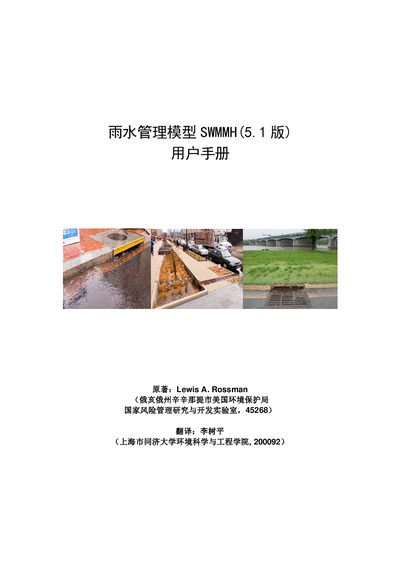
The SWMMH (Storm Water Management Model) 5.1 is a Chinese translation of the EPA's SWMM software, created to help engineers, researchers, and students use the rain‑water management model for design and analysis of drainage systems. The manual was translated by Tongji University and includes all the original EPA documentation with added Chinese explanations.
The guide walks users through installing the program on Windows, using the main window and its tools, creating and editing projects, running simulations, viewing results, printing or exporting data, and handling common error messages. Appendices provide reference tables, property editors, command‑line options, and a full list of error and warning codes. This manual is written in Chinese.
| Version | 5.1 |
|---|---|
| Supported Operating System | Microsoft Windows |
| Default Installation Folder | c:\Program Files\SWMMH 5.1 |
| Executable File Name | swmmh5.exe |
The program is installed by default to c:\Program Files\SWMMH 5.1.
Open the Start menu and select the new entry named SWMMH 5.1; the program will launch.
Error 303 means the input file cannot be opened, either because it does not exist or is being used by another program.