
The Envoy Connect Player T16 user guide explains button functions, charging, book loading, and troubleshooting.
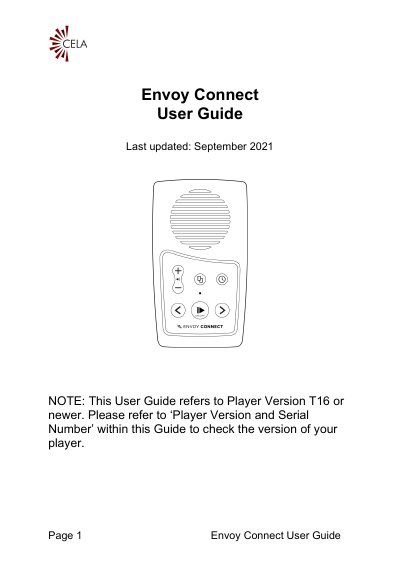
This guide provides detailed instructions for operating the Envoy Connect Player (model T16 or newer). It describes each button on the keypad, how to power the device on and off, use the sleep timer, and adjust volume.
Additional sections cover charging methods (solar panel or USB), loading books via the CELA Connect software, battery status indicators, and troubleshooting steps for common issues such as playback problems or device resets.
| Playback time | up to 10 hours |
|---|---|
| Headphone jack | 3.5 mm stereo |
| Micro USB port | bottom edge, middle |
| Micro SD card slot | bottom edge, right |
| LED indicator | green light above Play button |
| Volume memory | remembers last volume setting |
| Battery status indicator | beeps indicate low, medium, full charge |
Press and hold the Power/Play button for 3 seconds until you hear a chime.
Press and hold the Bookshelf and Volume Up buttons together for 5 seconds until you hear a series of confirmation beeps.
While playback is paused, press and hold the Back button; the player will emit 1, 2, or 3 beeps to indicate low, medium, or full charge.