
User manual for the Enhanced Vision Transformer VGA & USB low vision device, covering setup, software installation, viewing modes, menu options, and…
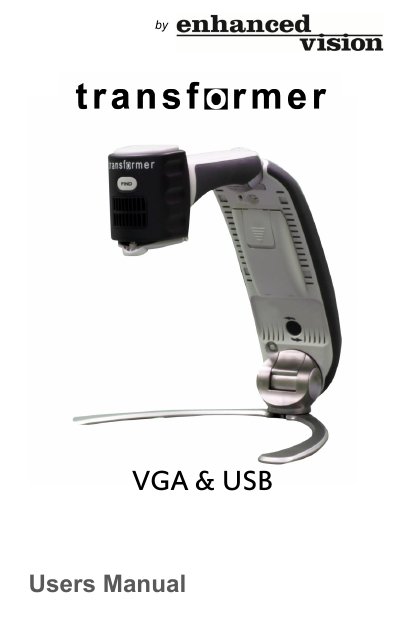
The Enhanced Vision Transformer is a portable low vision device that connects to a laptop, desktop computer, or VGA monitor to read, write, and view magnified images at any distance. The manual explains safety precautions, system requirements, setup, software installation, charging, and keyboard controls.
It also covers package contents and controls, viewing modes, window divider adjustment, still-image capture and viewing, third-party software use, Find, Freeze and Rotate functions, color selection, software upgrades, menu settings, troubleshooting, specifications, and warranty information.
The Viewer application supports Windows 7 in 32-bit and 64-bit versions.
Connect the provided VGA cable to the back of the Transformer and plug the other end into your monitor.
No. Always use the power supply provided with the package; using another power supply can harm the unit and void the warranty.
Remove the battery if the system will not be used for one week or more.