
Installation and operation guide for Elkay's 560A-1 outdoor touch timer with IP66 rating and 2-2 hour delay.
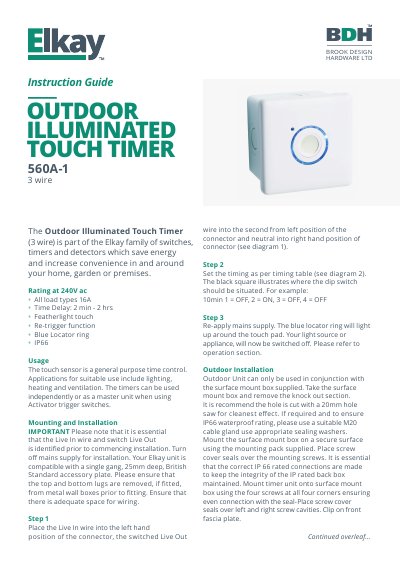
This guide explains how to install and operate the Elkay 560A-1 outdoor illuminated touch timer. It includes wiring instructions, mounting details, and timing setup using dip switches. The unit is IP66 rated for outdoor use and supports loads up to 16A at 240V AC.
Operation features include a featherlight touch, re-trigger function, and a blue locator ring that lights up when the timer is active or when the appliance is off.
| Voltage Rating | 240V ac |
|---|---|
| Max Load Current | 16A |
| Time Delay Range | 2 minutes to 2 hours |
| IP Rating | IP66 |
Use the dip switches to set the time, with the black square indicating the switch position (e.g., 10min: 1=OFF, 2=ON, 3=OFF, 4=OFF).
Pressing the touch pad resets the timer to the originally set time, for example, if 30 minutes remain and you press it, it resets to 30 minutes.
Press and hold the touch pad until the red LED flashes continuously, indicating the last minute. The appliance will turn off after one minute.