
User manual for the Element14 AT980D EU and AT980D UK ESD safe soldering station, covering setup, temperature settings, calibration, tip changes and…
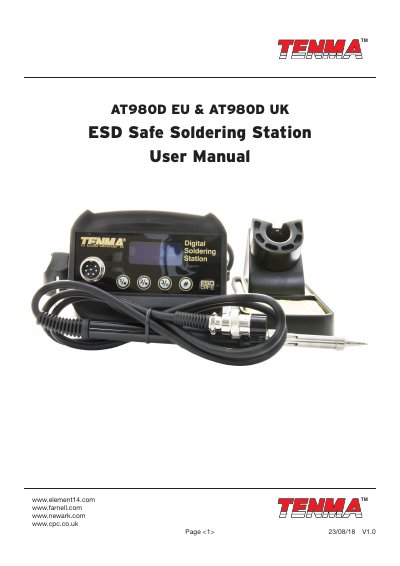
The Element14 AT980D EU and AT980D UK user manual describes an ESD safe soldering station with an LCD display, 80 W maximum power consumption and a temperature control range of 150°C to 450°C. It lists the included control unit, soldering iron, iron holder, power cord, cleaning sponge and user manual, and gives safety precautions for trained personnel.
The manual explains connection and power-on steps, temperature adjustment with programmable hotkeys, temperature calibration, °C/°F exchange and the temperature lock function on the AT980D. It also covers false alarm messages, replacing the heating element, changing the soldering tip, tip care and disposal.
| Input Voltage | 220V AC ±10% 50Hz |
|---|---|
| Power Consumption | 80W (Max.) |
| Temperature Controlling Range | 150°C to 450°C (302°F to 842°F) |
| Heater Voltage | 24V AC |
| Temperature Stability | ±1°C (Static) |
| Plug Type | UK, EU |
| Max. Surrounding Temperature | 40° C |
| Ground Impedance | < 2Ω |
| Ground Voltage | < 2mV |
| Heating Element | 4 Core |
The included items are the control unit, soldering iron, soldering iron holder, power cord (UK or EU), cleaning sponge and user manual.
Turn the power off, let the tip cool, unscrew the metal cap nut, pull out the shaft, replace the tip and secure the shaft with the cap nut.
With the station powered off, press and hold knob “#” and then turn the station on; the unit will change and store automatically.
It indicates a fault in the heating element or circuit; turn off the unit and follow the instructions to replace the heating element.