
Installation, operation, and maintenance guide for the ELECTRO-LUBER MD TITAN II automatic lubricator.
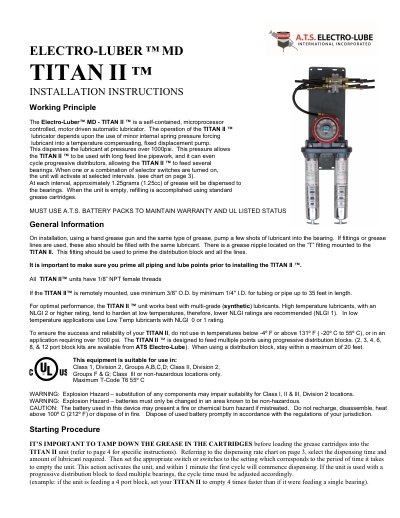
This document provides step-by-step installation instructions for the ELECTRO-LUBER MD TITAN II automatic lubricator. It covers setup, lubricant priming, switch settings, battery replacement, and safety warnings. The unit dispenses 1.25cc of grease per cycle and is designed for use with multi-grade lubricants in Class I, II, or III, Division 2 locations. It includes a purge switch for immediate lubrication and LED indicators for operational status.
| Lubricant Output per Cycle | 1.25cc (1.25 grams) |
|---|---|
| Maximum Operating Temperature | 131º F (55º C) |
| Minimum Operating Temperature | -4º F (-20º C) |
| Battery Type | A.T.S. Battery Packs |
| Maximum Pressure | Over 1000psi |
Use multi-grade (synthetic) lubricants. For low temperatures, use NLGI 0 or 1; for high temperatures, use NLGI 2 or higher, but avoid NLGI 2+ in cold environments.
Remove the top cover, unplug and remove the old battery, then install and plug in the new battery pack. A spare is recommended.
The unit has an empty grease cartridge.