
User manual for the eGate Thermo LWEU-2TCK LoRaWAN temperature measurement device, covering installation, settings, payload format and maintenance.
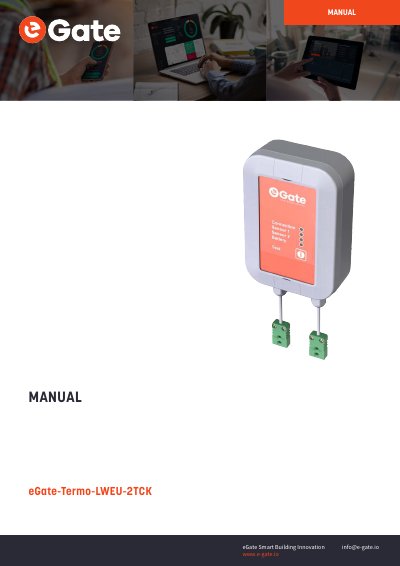
The eGate Thermo LWEU-2TCK is a battery-powered temperature measurement device that operates on its own after installation. The manual describes mounting, power supplies, settings access with Nokeval MekuWin software, temperature measurement and LoRaWAN settings.
It also explains the uplink payload structure for integrating the device with a customer cloud platform, and covers status checking, battery replacement restrictions and maintenance.
| Power supply | 3.6V Lithium Thionyl battery pack |
|---|---|
| Transmission period | 5 minutes to 6 hours; default 30 min |
| Temperature unit | °C |
| Low battery indication | <20% |
| LoRaWAN data rate | Adaptive Data Rate |
It is powered with a 3.6V Lithium Thionyl battery pack, and the device is supplied with batteries already installed.
No, the manual states that the batteries should not be replaced by the users.
Press the button, and the LEDs on the front will indicate connection, sensor and battery status for 30 seconds.
The default is 30 minutes; the transmission period can be set from 5 minutes to 6 hours.