
ecom instruments i.roc x20 -Ex Pocket PC Safety Instructions

Safety instructions for the ecom instruments i.roc x20 -Ex Pocket PC, covering regulations, equipment options, wireless usage, and maintenance.
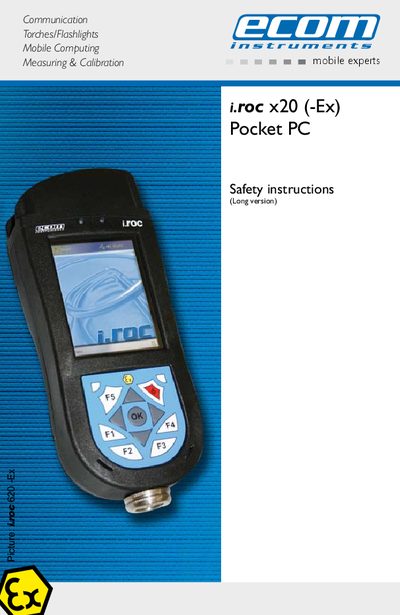

ecom instruments i.roc x20 -Ex Pocket PC Safety Instructions - cover page
Brand
Ecom Instruments
Category
Industrial Robot
Document type
User Manual
Language
English
Pages
26
File format
PDF
File size
597 KB
Published
16 October, 2026
Updated
16 October, 2026
MD5 checksum
AF07E26F009D7AA8B5BACFCFE6EF8161

About this manual

This document provides safety instructions for the ecom instruments i.roc x20 -Ex Pocket PC, a ruggedized industrial device designed for everyday work in industrial environments. It outlines general safety regulations, error handling, and specific operational restrictions to ensure safe and reliable use during installation, startup, and normal operation.

What's inside

  • General information about these instructions
  • Errors and load restrictions
  • Safety regulations – General safety instructions
  • Possible equipment, options and accessories
  • Information on wireless devices
  • Note for the European Union
  • Notes for the U.S.A.
  • Notes for Canada
  • Note for flights
  • Battery care

Frequently asked questions

Who can change the battery?

The battery may only be changed by ecom instruments GmbH or a person trained by ecom instruments GmbH outside of the Ex-area.

Can the unit be opened within the Ex-area?

No, the unit must not be opened within the Ex-area.

What should be done if the unit has been subjected to excessive loads?

The unit must be taken out of operation immediately and removed from the Ex-area without delay.

Download PDF (597 KB)