
Ecolink SDLS2-ZWAVE5 Smart Switch Installation Guide covers indoor installation, Z-Wave network inclusion, LED status, battery state, and factory defaults.
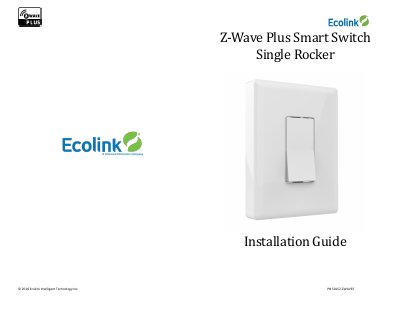
The Ecolink SDLS2-ZWAVE5 Z-Wave Plus Smart Switch is a single rocker device for indoor use that automates overhead lights, table lamps, or other accessories. It installs without touching high-voltage wires, preserves manual control, senses switch status, and works with single gang rocker switches and all Z-Wave certified hubs and controllers.
This installation guide covers product overview, installation steps, network inclusion and exclusion, LED status, battery state, factory default settings, and Z-Wave Plus command class information. The switch runs on 2 AA batteries with a battery life of 1 year.
| Indoor use | For indoor use only |
|---|---|
| Operating frequency | 908.42, 916 MHz |
| Operating temperature | 0° – 49°C, 32° – 120°F |
| Operating humidity | 5-95% non-condensing |
| Batteries | 2 AA batteries |
| Battery life | 1 year |
No. It installs by replacing the switch plate without touching high-voltage wires.
Put the controller into inclusion mode, then press the inclusion/exclusion button on the switch; the LED turns off when inclusion succeeds.
The user cannot change the light state remotely, but the switch keeps reporting its state until the batteries are fully depleted.