
This manual provides installation, operation, maintenance, and troubleshooting instructions for the Ebac CD30 and CD30E industrial dehumidifiers.
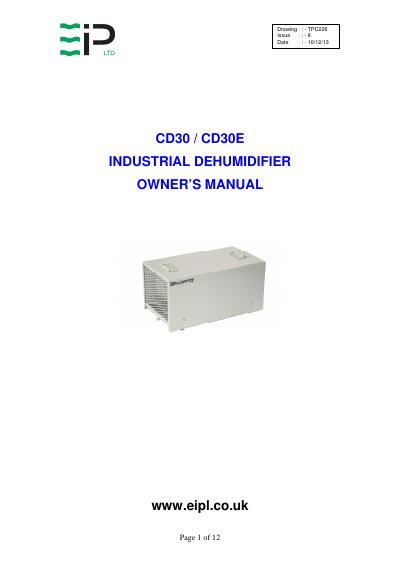
The Ebac CD30 and CD30E industrial dehumidifiers remove moisture from the air using a refrigeration process. The units feature a compressor, evaporator coil, condenser coil, circulation fan, and an adjustable humidistat. They are designed to operate effectively over a broad range of temperature and humidity conditions, with a hot gas defrost system for low-temperature operation.
| Height | 12" |
|---|---|
| Width | 12" |
| Depth | 22" |
| Weight (CD30) | 50 lbs |
| Weight (CD30E) | 55 lbs |
| Airflow | 170 CFM |
| Max Operating Temp | 95ºF |
| Power Supply | 110V, 60Hz |
| Current (CD30) | 4 A |
| Current (CD30E) | 5 A |
| Refrigerant Type | R134a |
Place the unit on a level surface, start it, and observe the evaporator coils. If the air temperature is below 70ºF, an even coating of frost should cover the coils.
Check if the compressor mounts are loose and tighten the nuts, or replace the fan if it is damaged.
Run the unit for 15 minutes and briefly remove the cover to check if the evaporator coil is evenly frost coated.