
The Eagle Tree Systems OSD Pro user manual provides installation, configuration, and operation instructions for the video/audio on‑screen display device.
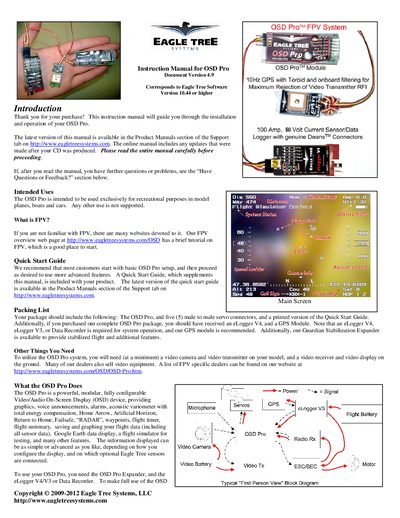
This manual guides you through installing and operating the OSD Pro, a modular video/audio on‑screen display for FPV model planes, boats, and cars. It covers safety precautions, wiring, required accessories such as an eLogger or Data Recorder, and how to configure features like graphics, voice prompts, and sensor data.
The document also explains advanced functions such as RADAR, Return‑to‑Home, waypoint navigation, battery monitoring, RSSI display, and artificial horizon support, along with troubleshooting tips and how to obtain updates from Eagle Tree’s support site.
| Supported video modes | NTSC and PAL (auto‑detected) |
|---|---|
| Maximum secondary battery voltage | 16 V |
| Recommended eLogger capture rate | 10 samples/second |
| Maximum number of waypoints displayed | 3 |
| Visual Line‑of‑Sight (VLS) limit for waypoints | 3 miles (4.8 km) |
| Graphical battery displays supported | Up to 3 |
| Secondary battery probe resistor | 15 kΩ (preferably 1 % tolerance) |
The OSD Pro supports both NTSC and PAL video modes and automatically detects the correct mode.
The OSD Pro can display up to three waypoints at a time.
The probe voltage must not exceed 16 V to avoid damaging the eLogger.
Set the eLogger’s capture rate to 10 samples per second.