
User guide for the E.Leclerc voice assistant, explaining installation and use for adding products to shopping carts and managing shopping lists.
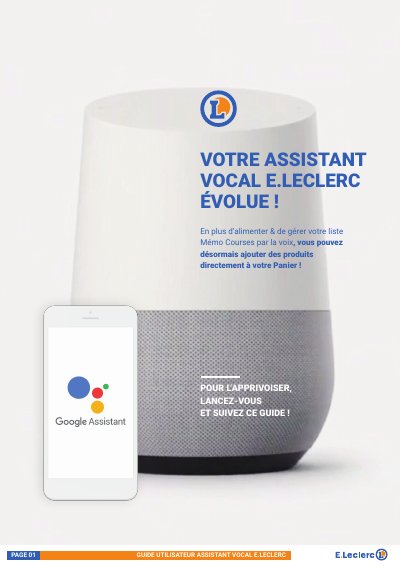
The E.Leclerc Assistant Vocal is a voice-activated service compatible with smartphones, tablets, and Google Home devices. It allows users to manage their shopping lists and add products directly to their Drive or Chez Moi baskets using voice commands.
The guide provides step-by-step instructions for installing the service via Google Assistant or Google Home, linking an E.Leclerc account, and utilizing features such as discovering daily promotions and managing the 'Mémo Courses' list. This manual is written in French.
| Compatible Android version (Phones) | 5.0 or later |
|---|---|
| Compatible Android version (Tablets/TVs/Watches) | 6.0 or later |
| Compatible iOS version | 10.0 or later |
| Compatible Hardware | Smartphone, tablet, Google Home speaker, Android TVs, Android watches |
You can launch the assistant by saying, "OK Google, je veux parler à Leclerc".
The assistant allows users to manage a shopping memo list by voice and add products directly to their shopping basket.
The service can be used with a smartphone, tablet, or a Google Home connected speaker.
To start the assistant, say "OK GOOGLE, JE VEUX PARLER À LECLERC".