
This manual provides instructions for installing, configuring, and using Dynasoft TeleFactura Version 6.50, a telecom billing software.
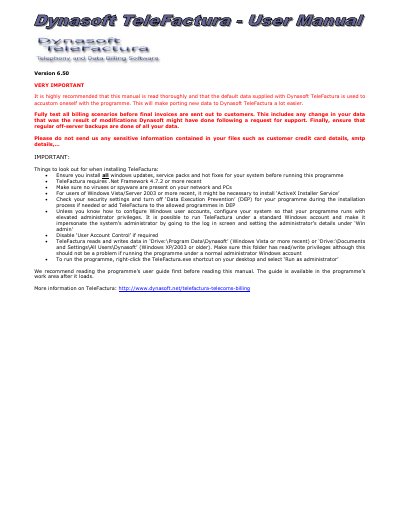
This document serves as the user manual for Dynasoft TeleFactura Version 6.50, a software solution for telecom billing. It covers essential procedures such as system requirements, installation, upgrading, and initial setup. The guide details how to configure the program for various database systems, including Microsoft Access, MySQL, and Microsoft SQL Server.
| Required .Net Framework | .Net Framework 4.7.2 or more recent |
|---|---|
| Supported Databases | MS Access, MS SQL Server or MySQL |
| Default Data Path (Vista+) | Drive:\Program Data\Dynasoft |
| Default Data Path (XP/2003) | Drive:\Documents and Settings\All Users\Dynasoft |
The software requires .Net Framework 4.7.2 or a more recent version.
The program supports Microsoft Access, MySQL, and Microsoft SQL Server.
Yes, you should always perform a backup of your data before running version upgrades.