
The DW DW9 operation manual provides setup, measurement functions, wiring, alarm settings, and Modbus communication details for the single-phase electrical…
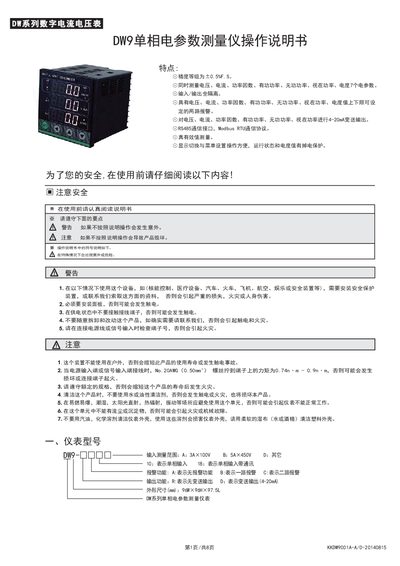
This manual describes the DW9 single‑phase electrical parameter meter, covering its model specifications, panel layout, and measurement capabilities such as voltage, current, power factor, active and reactive power, apparent power, and energy. It explains how to configure input ranges, set alarms, and use the 4‑20 mA transmission output.
The document also provides detailed wiring diagrams, environmental and storage guidelines, and the RS485 Modbus RTU communication protocol with register maps for reading and writing parameters. Step‑by‑step operation procedures and menu navigation instructions are included to help users operate and maintain the instrument safely. This manual is written in Chinese.
| Input voltage range | AC 6‑450 V |
|---|---|
| Input current range | AC 0.015‑5 A |
| Communication interface | RS485 Modbus RTU |
| Output type | 4‑20 mA current loop |
| Power supply | AC/DC 100‑240 V |
| Dimensions (W×H×L) | 96 mm × 96 mm × 97.5 mm |
| Voltage input impedance | ≥300 kΩ (450 V) |
| Current input impedance | ≤0.02 Ω (0‑5 A direct input) |
When the main window shows the energy value, press the SET key and the + key together for more than 3 seconds to clear the value.
The DW9 uses the Modbus RTU protocol over an RS485 half‑duplex interface.