
This manual provides operating instructions for the DVDO iScan Mini 4K video upscaler, covering hardware interfaces, remote control usage, and menu settings.
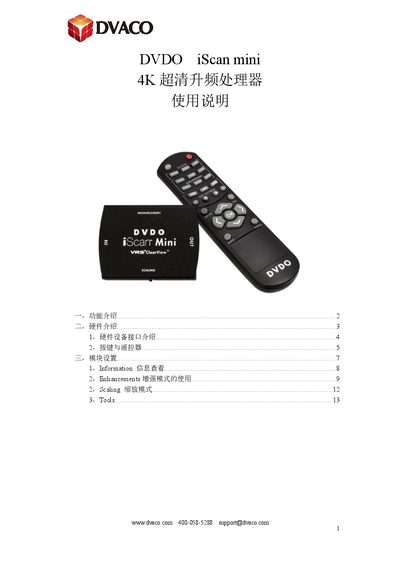
The DVDO iScan Mini 4K is a compact video upscaler designed to improve image quality on existing 2K and 4K televisions. It utilizes VRS ClearView technology from Silicon Image to upscale lower resolution content (such as 1080p or compressed streaming) to 4K, offering features like noise reduction and edge smoothing. This manual is written in Chinese.
It supports 4K HDMI input and 1080p MHL signal input.
Connect the unit to a computer via USB and press the recessed F/W upgrade button for 2 seconds.
The Demo mode allows users to quickly see the difference between enhanced and non-enhanced images.