
User manual for Dream Maker F-BS001 smart lamp speaker with Bluetooth, LED lighting, and app control features.
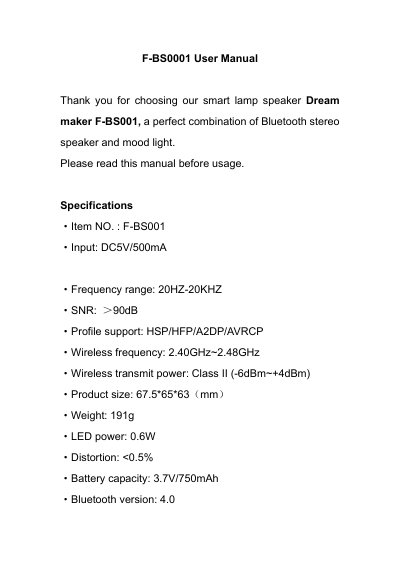
This manual covers charging, Bluetooth pairing, app installation, LED control, and hands-free calling for the Dream Maker F-BS001 smart lamp speaker. It includes technical specs like battery capacity, frequency range, and Bluetooth version. The device combines a Bluetooth speaker with mood lighting and supports app-based smart controls.
Instructions detail how to charge the device, pair via Bluetooth, use the app for lighting and music scheduling, and operate via line-in or voice calls. LED indicators show status including power, pairing, and battery levels. This manual is written in Chinese.
| Input | DC5V/500mA |
|---|---|
| Frequency Range | 20HZ-20KHZ |
| SNR | >90dB |
| Bluetooth Version | 4.0 |
| Battery Capacity | 3.7V/750mAh |
| Product Size | 67.5*65*63 (mm) |
| Weight | 191g |
| LED Power | 0.6W |
| Distortion | <0.5% |
| Charging Time | 2.5 hours |
| Playing Time | about 6 hours (normal volume) |
| Transmission Distance | 10m |
Connect the speaker with a USB cable. The indicator will show red light while charging and turn off when fully charged.
Press and hold the button for 3 seconds to turn on and enter Bluetooth pairing mode. Search for 'F-BS001' on your device and select it. A sound prompt and flashing blue LED indicate successful pairing.
Download the app 'caixia jiang' from the App Store for iPhone or scan the QR code for Android devices.
Long press the next song button to increase brightness, the previous song button to dim. Touch the top metal to cycle through colors.