
User manual for the DPROMAT Private Safe Series electronic safe, covering batteries, user codes, opening and closing, override key use and mounting.
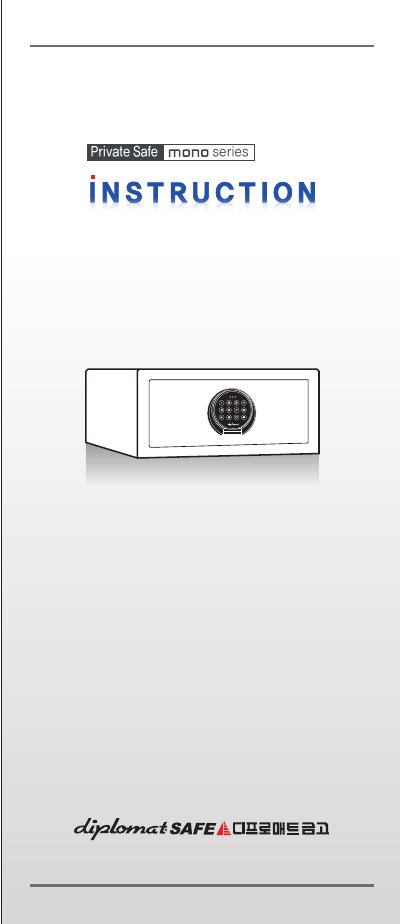
The DPROMAT Private Safe series is a safe with an electronic keypad and override key. The document lists the supplied components, including the override key, silicon pads, 1.5V AA batteries, shelf, concrete screws, plastic expanding sleeves, and metal washers, and states an external size of H 180 x W 385 x D 340 mm, 18 L capacity, and 11 kg weight.
It explains battery loading, setting a 4-6 digit user code, opening with the code plus #, closing, and using the override key if the code is forgotten or the batteries are exhausted. It also describes scramble numbers, wrong-code lockout, LED and melody signals, and securing the safe to a wooden or concrete floor or wall. This manual is written in Korean.
| External dimensions, capacity and weight | H 180 x W 385 x D 340 mm; 18 L; 11 kg |
|---|---|
| Battery | 4 x 1.5V AA batteries |
| User code length | 4 to 6 digits |
| Wrong-code lockout | 3 minutes after 3 consecutive wrong codes |
| Interior LED light duration | 15 seconds |
It uses four 1.5V AA alkaline batteries.
Enter your user code and press #; if the code is correct, the door opens automatically with a green LED and melody.
Open the keypad cover, insert the override key in the center hole, and turn it clockwise to open the door.
With the door open, press * * 6 8 # consecutively, then enter a new 4-6 digit code and press # while the green LED is on.