
This guide explains how to link Domo Problem Manager to Salesforce to track employee communication with customers using reports, connectors, and Beast Mode…
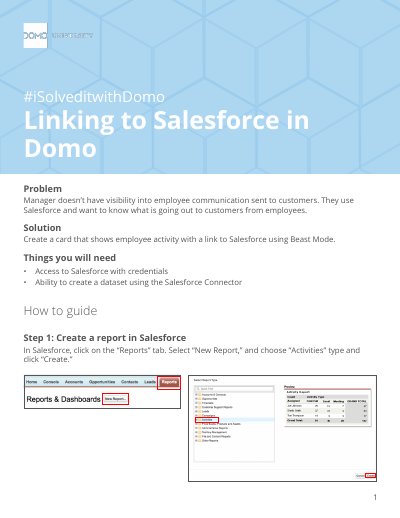
This document provides a step-by-step guide for users of Domo Problem Manager who need visibility into employee communication sent to customers via Salesforce. It outlines the process of creating a specific report in Salesforce, connecting that data to Domo using the Salesforce Connector, and building a visual card to display the activity.
You need access to Salesforce with credentials and the ability to create a dataset using the Salesforce Connector.
You must select 'Reports' under data selection and choose the specific name of your saved Salesforce report.
The formula concatenates a URL with the Activity ID and wraps it in an HTML anchor tag to create a clickable link.