
This manual provides installation instructions and technical specifications for the DJO Neo ultrasound module used with Vectra and Intelect clinical therapy…
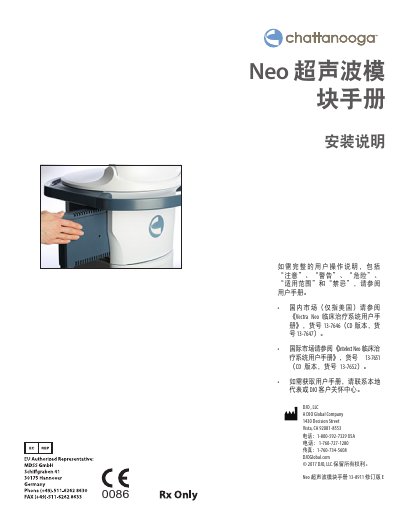
This document serves as a supplementary guide for the DJO Neo ultrasound module, detailing the physical installation process into Vectra or Intelect clinical therapy systems. It covers removing panels, inserting the connector, securing the module with screws, and verifying system recognition after power-up.
The second half of the manual outlines technical specifications for various crystal sizes available on the Intelect and Vectra Neo systems. It includes data on frequency ranges, duty cycles, pulse repetition rates, output intensity limits, beam non-uniformity ratios, and effective radiating area (ERA) tolerances. This manual is written in Chinese.
| Frequency | 1 MHz, ±5%; 3.3 Mhz, ±5% |
|---|---|
| Duty Cycle | 10%, 20%, 50%, Continuous |
| Output Intensity (Continuous) | 0 to 2.5 W/cm² |
| Output Intensity (Pulse Mode) | 0-3 W/cm² |
| Therapy Time Range | 1 to 30 minutes |
A No. 2 Phillips screwdriver and a standard flathead screwdriver are required.
No, the system is programmed to automatically recognize new modules.