
Quick start guide for Dinstar C61S/C61SP IP phone covering setup, call features, and basic configuration.
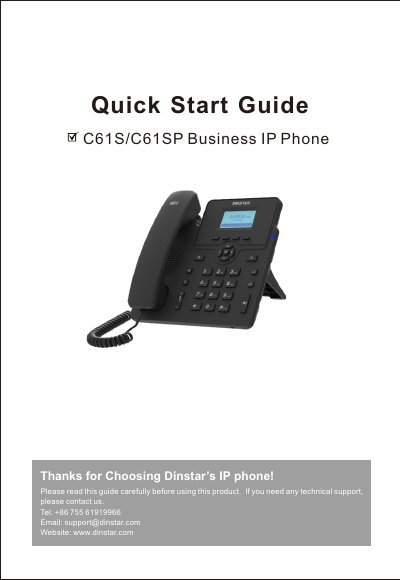
This guide helps you assemble and configure the Dinstar C61S/C61SP IP phone. It covers connecting hardware, setting up network and account parameters, and using basic call functions like dialing, holding, muting, and transferring calls. You can configure the phone via its built-in interface or through a web browser on a connected PC.
The phone supports features such as call forwarding, speed dial, hotline, DND, and call history management. It also allows customization of ring tones, volume levels, and local phonebook entries.
The package includes an IP Phone, handset, handset cord, Ethernet cable, stand, and power adapter, though the power adapter is optional for the C61SP model.
The indicator light flashes quickly when receiving a call and flashes slowly when there are missed calls or received voice messages.
The default password to input for accessing settings is 'admin'.