
Dino-Lite Various Models User Manual

User manual for Dino-Lite digital microscopes covering software installation, hardware setup, and usage of features like focus adjustment, magnification…
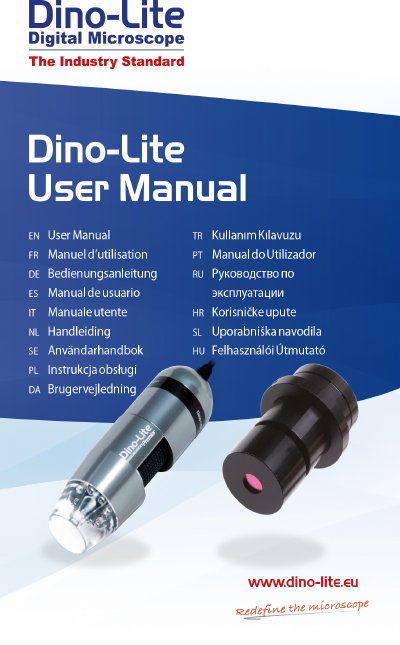

Dino-Lite Various Models User Manual - cover page
Brand
Dino-Lite
Category
microscope
Document type
User Manual
Language
English
Pages
212
File format
PDF
File size
2 MB
Published
30 October, 2026
Updated
30 October, 2026
MD5 checksum
1371CA52859AC40309F1684902DB9351

About this manual

This manual guides users through installing DinoCapture and DinoXcope software for Windows and Mac. It details hardware setup, including focus adjustment, magnification lock, Microtouch, polarization, and long working distance models. The software interface includes tools for measurement, drawing, and image management. Cleaning, maintenance, and warranty information are also provided.

What's inside

  • Software Installation
  • Hardware Installation
  • Software Interface (DinoCapture / Windows)
  • Software Interface (DinoXcope / Mac)
  • Cleaning and Maintenance
  • Warranty and Support

Frequently asked questions

What operating systems does the DinoCapture software support?

The DinoCapture software runs on Windows XP, Windows Vista, or Windows 7/8.

What is the Microtouch function used for on some Dino-Lite models?

Touching the Microtouch sensor captures the current image or starts/stops video recording.

What is the purpose of the polarization function on models with the letter Z?

The polarization function can be controlled by turning the adjustable cap.

What is the warranty period for Dino-Lite products?

The products come with a two-year warranty from the date of purchase.

Download PDF (2 MB)

More Dino-Lite Manuals


View all Dino-Lite manuals →