
User manual for the Dimension EasyCheck V2 Digital Fiber Endface Inspector covering setup, hardware operation, image capture, and external monitor use.
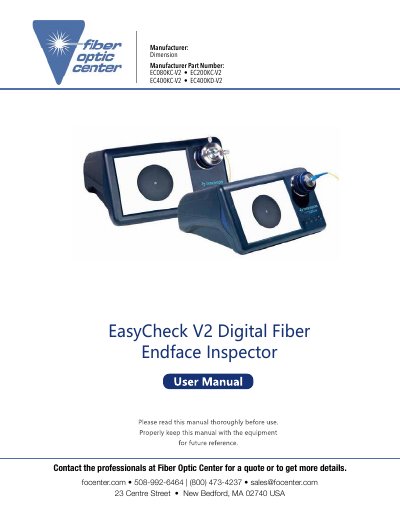
The EasyCheck V2 Digital Fiber Endface Inspector from Dimension is covered by this user manual for models EC080KC-V2, EC200KC-V2, EC400KC-V2, and EC400KD-V2. The document explains the parts of the instrument, packaging and attachments, and basic hardware operation.
The manual then describes operating scenarios: brightness and contrast adjustment, image capture, picture view, and external monitor instructions. It also includes warranty terms and maintenance considerations, such as using the Dimension Technology customized 12V DC power adapter and keeping the instrument clean and away from grease and dust.
| Display | 8-inch black-and-white digital TFT displayer |
|---|---|
| Power input | DC 12 V |
| USB interface | USB 2.0 |
| LAN interface | LAN local area network interface |
| HDMI interface | HDMI high-definition multimedia interface |
| Y-axis image adjustment range | +2 to -2 mm |
| X-axis image adjustment range | -2 to +2 mm |
| Image sensor | High resolution image sensor |
Use the Dimension Technology customized 12V DC power adapter; other power adapters are not allowed.
The warranty period is one (1) year from the Shipping Date.
It has an 8-inch black-and-white digital TFT displayer.
It can connect to a U disk, keyboard, mouse, foot switch, or scan code gun.