
Operational manual for the DigiVac SNAP Vacuum Controller, covering installation, operation modes like recipe and set-point control, troubleshooting, and…
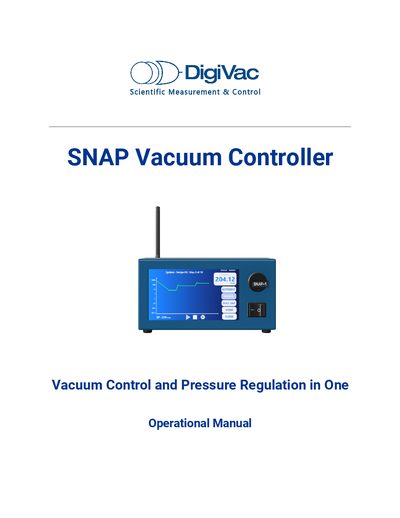
The DigiVac SNAP is a vacuum controller that combines precise vacuum control with pressure regulation in one unit. It features a 7-inch touch screen, KF25 ports, and supports various sensors and communication interfaces for automated process control.
This manual provides instructions on unpacking, installation, operation modes including recipe and set-point control, troubleshooting common issues, and servicing the device. It details how to configure PID variables and create custom recipes for different vacuum processes.
| Touch Screen Size | 7-inch |
|---|---|
| Vacuum Ports | KF25 |
| Max Recipes | 10 |
The accepted interval is 1 year, but this depends on accuracy requirements and standard operating procedures.
Yes, you can connect an external sensor such as a 10 Torr Capacitance Manometer for improved accuracy.