
This manual explains how to use the DJ_Cloud ecological data management platform, covering login, navigation, device and project management, data analysis…
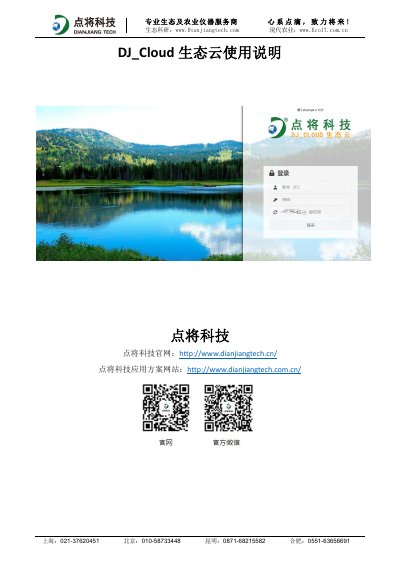
The DJ_Cloud Ecological Cloud is a B/S architecture data management platform provided by Dianjiang Tech. It supports access via various mobile devices such as tablets, iPhones, and Android phones using standard web browsers like Chrome, Firefox, or Safari without requiring a dedicated app download.
The manual details the operational procedures for users to log in, manage device and project information, view real-time data and generate custom charts, configure alarm thresholds, and set up large-screen displays. It also provides specific instructions for mobile usage, including scanning QR codes for access and optimizing screen orientation for better chart visibility. This manual is written in Chinese.
The platform is compatible with QQ Browser, 360 Browser, Chrome, Firefox, Sogou Browser,遨游 Browser, and Microsoft Edge.
No, you do not need to download an APP; you can access it directly by scanning a QR code using a browser.
For better display effects, please rotate your mobile phone horizontally (landscape mode) to view chart information.