
This user manual covers the installation, configuration, and specifications of the Diamond Systems Epsilon managed 8-port Gigabit Ethernet switch.
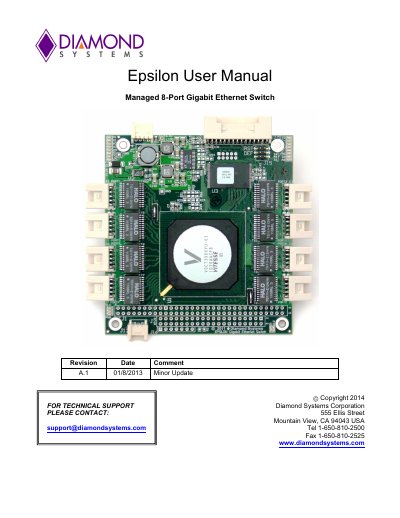
The Diamond Systems Epsilon is a Layer 2+ managed 8-port Gigabit Ethernet switch designed for the compact PC/104 form factor. It features a built-in microcontroller for configuration and management, accessible via a web interface or a serial Command Line Interface (CLI). The device supports 10/100/1000Mbps copper twisted pair ports and includes features such as jumbo frame support, 8K MAC addresses, and programmable multi-layer classification with 4 QoS classes.
| Form Factor | PC/104 form factor |
|---|---|
| Ports | 8 ports of 10/100/1000Mbps Ethernet |
| Frame Buffer | 176KB |
| MAC Address Support | 8K |
| VLAN Support | 4K VLANs (IEEE 802.1Q) |
| Operating Temperature (Heatspreader) | -40°C to +85°C |
| Operating Temperature (Heatsink) | -40°C to +71°C |
| Power Input | +7-36VDC or +5VDC |
The switch can be configured using a web interface or a Command Line Interface (CLI) accessed via the on-board RS-232 port or an Ethernet port.
No, the device cannot use both power sources at the same time.
Yes, it supports jumbo frames at all speeds.