
Quick start guide for the Diamond Rio 500 portable audio player, covering USB connection, software installation, features, and specifications.
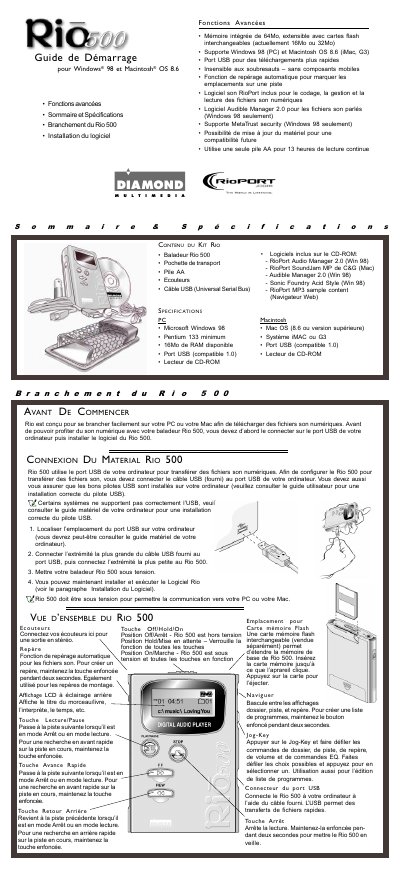
This guide explains how to connect the Diamond Rio 500 portable audio player to a PC or Mac through USB and install the included Rio software. It also lists the player's controls, kit contents, advanced features, and system requirements.
The Rio 500 has 64 MB of built-in memory expandable with flash cards, supports Windows 98 and Mac OS 8.6, and provides about 13 hours of continuous playback from one AA battery. This manual is written in French.
| Built-in memory | 64 MB, expandable with flash cards |
|---|---|
| Flash card expansion | 16 MB or 32 MB cards |
| Supported PC operating system | Microsoft Windows 98 |
| Minimum PC processor | Pentium 133 |
| PC memory requirement | 16 MB RAM available |
| Macintosh operating system | Mac OS 8.6 or later |
| USB port | USB port compatible with 1.0 |
| Battery life | 13 hours continuous playback from one AA battery |
| Display | Backlit LCD showing track or book title, artist, time, and more |
It supports Windows 98 on PC and Macintosh OS 8.6 on iMac or G3 systems.
It has 64 MB of built-in memory, expandable with interchangeable flash cards.
One AA battery provides 13 hours of continuous playback.
The kit includes the Rio 500 player, a carrying pouch, an AA battery, headphones, and a USB cable.