
User manual for Desun TS-8807PP wireless microphone, covering setup, operation, and technical specs for conference, teaching, and event use.
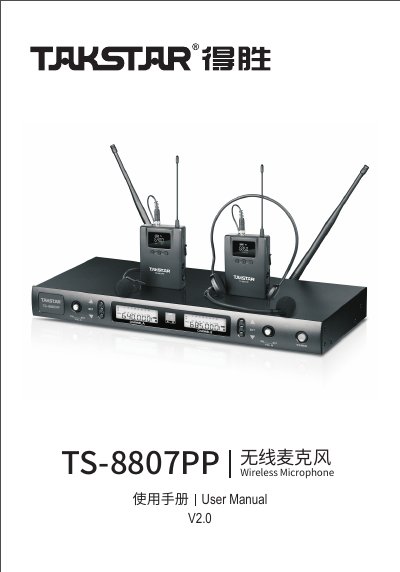
This manual provides step-by-step instructions for installing and operating the Desun TS-8807PP wireless microphone system. It includes setup of transmitter and receiver, frequency tuning, channel adjustment, and troubleshooting. The system supports two channels with 200 frequencies, FM modulation, and features like infrared pairing and automatic scanning to avoid interference. It is designed for use in conferences, teaching, and public events. This manual is written in Chinese.
| Frequency Range | 470~960 MHz |
|---|---|
| Channels | 2 channels |
| Channels per Band | 200 |
| Modulation | FM |
| Frequency Stability | ±0.015% |
| S/N Ratio | ≥100dB A+ |
| Dynamic Range | ≥90dB A+ |
| Distortion | ≤0.5% (at 1KHz) |
| Operating Distance | 50 meters (open space) |
| Receiver Power | DC 12V 0.5A |
| Transmitter Power | ≤10mW |
| Transmitter Battery Life | ≥8 hours |
| Receiver Dimensions | 430*190*51mm |
| Receiver Weight | 2360g |
| Transmitter Dimensions | 100x64x24.5 mm |
Use infrared alignment: point the transmitter's IR window at the receiver's ACT window, then press the SET button to initiate pairing.
Short press the ▲ and ▼ buttons to adjust the current frequency. Stop pressing when the desired frequency is reached.
Long press the SET button for 3 seconds to lock all function keys (except power switch).
Long press the SET button for 3 seconds to unlock the system.