
Dell XC430 Xpress Hyper-converged Appliance Getting Started Guide

This guide covers safety warnings, rack installation, power connection, and system startup for the Dell XC430 Xpress Hyper-converged Appliance.
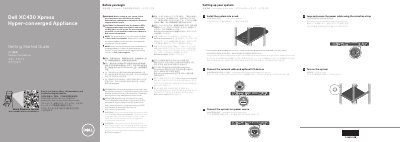

Dell XC430 Xpress Hyper-converged Appliance Getting Started Guide - cover page
Brand
DELL
Category
Servers Computer
Document type
User Manual
Language
English
Pages
2
File format
PDF
File size
500 KB
Published
11 November, 2026
Updated
11 November, 2026
MD5 checksum
146D30D96F1F77624324839B0D699B32

About this manual

This Getting Started Guide provides initial setup instructions for the Dell XC430 Xpress Hyper-converged Appliance. It includes critical safety warnings regarding power supply units (PSUs) and operating systems, as well as a quick resource locator for additional documentation.

What's inside

  • Safety Instructions
  • Quick Resource Locator
  • Setting up your system
  • Install the system into a rack
  • Connect the network cable
  • Connect the system to a power source
  • Turn on the system
  • Technical specifications
  • End User License Agreement

Specifications

Power rating per PSU550 W (Platinum)
Input voltage100–240 V, 50/60 Hz
System batteryCR 2032 3.0 V lithium coin cell
Maximum operation ambient temperature35°C (95°F)

Frequently asked questions

What power supply units should be used with this system?

Use Extended Power Performance (EPP) compliant power supply units, indicated by the EPP label.

Where can I find the complete list of specifications?

See Dell.com/xcseriesmanuals for a complete and current listing of the specifications.

Download PDF (500 KB)

More DELL Manuals


View all DELL manuals →