
Installation guide for Dell W-AP214 and W-AP215 wireless access points, covering hardware overview, mounting, and configuration requirements.
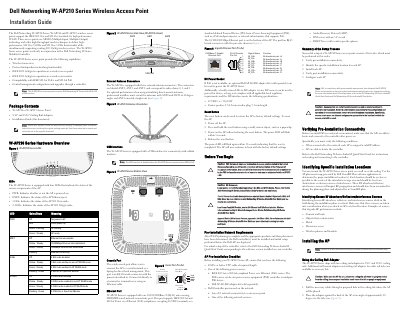
This document provides installation instructions for the Dell Networking W-AP210 Series wireless access points, specifically the W-AP214 and W-AP215 models. It details hardware features, LED status indicators, and connectivity options including Ethernet and USB interfaces.
| Wireless Standards | IEEE 802.11ac and 802.11n |
|---|---|
| Technology | MIMO |
| Power over Ethernet | 802.3at PoE+ and 802.3af PoE |
| DC Power Input | 12 VDC (+/- 5%)/18W |
| Ethernet Port | 10/100/1000Base-T |
| Controller Requirement | Dell Networking W-Series Mobility Controller |
| Software Version | ArubaOS 6.4.2.0 or later |
The package includes the W-AP214 or W-AP215 Access Point, 9/16" and 15/16" Ceiling Rail Adapters, and the Installation Guide.
The device supports IEEE 802.3at or 802.3af-compliant Power over Ethernet (PoE) sources or an optional Dell AP AC-DC adapter kit.