
This guide explains how to install and use the Dell UltraSharp Color Calibration Solution with an X-Rite i1Display Pro Colorimeter to calibrate Dell…
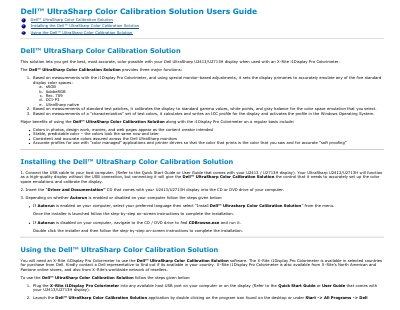
The Dell UltraSharp Color Calibration Solution is a software tool designed for Dell UltraSharp U2413 and U2713H displays. When used with an X-Rite i1Display Pro Colorimeter, it allows users to set display primaries to emulate standard color spaces like sRGB, AdobeRGB, Rec. 709, DCI-P3, and UltraSharp native. It also calibrates the display to standard gamma values, white points, and gray balance, and calculates ICC profiles for accurate color representation in photos, design work, and web pages.
| Supported Color Spaces | sRGB, AdobeRGB, Rec. 709, DCI-P3, UltraSharp native |
|---|---|
| Required Hardware | X-Rite i1Display Pro Colorimeter |
An X-Rite i1Display Pro Colorimeter is required to use the Dell UltraSharp Color Calibration Solution.
No, you must not change any color settings from the front panel OSD menu during the profiling process to ensure accurate results.