
User guide for Dell's TL24iSCSIxSAS 1Gb iSCSI to SAS bridge, covering installation, network setup, and device management.
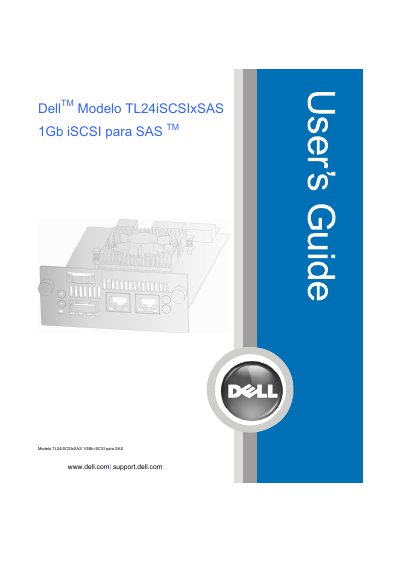
This user manual provides step-by-step instructions for installing and configuring the Dell TL24iSCSIxSAS 1Gb iSCSI to SAS bridge. It covers connecting Ethernet and SAS cables, network settings, CHAP authentication, multipath configuration, and device management. The guide also includes troubleshooting and firmware updates.
The bridge enables connectivity between Ethernet-based networks and SAS storage devices, such as LTO tape units. It is designed for minimal setup but requires specific hardware components like Cat 5e Ethernet cables and Mini SAS cables. The manual includes diagrams and screenshots for visual guidance. This manual is written in Spanish.
It connects an Ethernet-based network to SAS storage devices such as tape drives.
A cable certified Cat 5e with an RJ45 connector at the bridge end.
Two.
It should blink when the bridge is ready.