
This guide provides bilingual instructions for installing and using the Dell Rugged Desk Dock with specific Latitude laptop models.
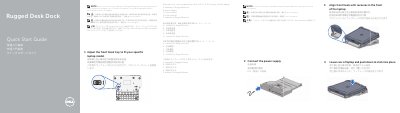
This document is a bilingual Quick Start Guide for the Dell Rugged Desk Dock. It provides step-by-step instructions for adjusting the front hook tray to fit specific laptop models and connecting the power supply. The guide details how to align the front hooks with the laptop and how to securely dock the device. This manual is written in Chinese.
| Compatible Computer Models | Latitude 12 Rugged Extreme, Latitude 14 Rugged Extreme, Future Model |
|---|---|
| USB 3.0 Connectors | 3 |
| Audio Connectors | 2 |
| Serial Connectors | 2 |
| USB 2.0 Connector | 1 |
| VGA Connector | 1 |
| HDMI Connector | 1 |
| Network Connector | 1 |
| AC adapter connector | 1 |
| Security cable slot | 1 |
| Front hooks | 2 |
| Adjustment screws | 2 |
Letter A is for Latitude 12 Rugged Extreme, Letter E is for Latitude 14 Rugged Extreme, and Letters B, C, and D are for Future Models.
The operating system must complete its setup process before connecting the laptop to the Rugged Desk Dock.